
AWS Account Creation.

To Create AWS account you need to navigate to aws site click here. After navigating to this link opening the link you will see and site looking like this:
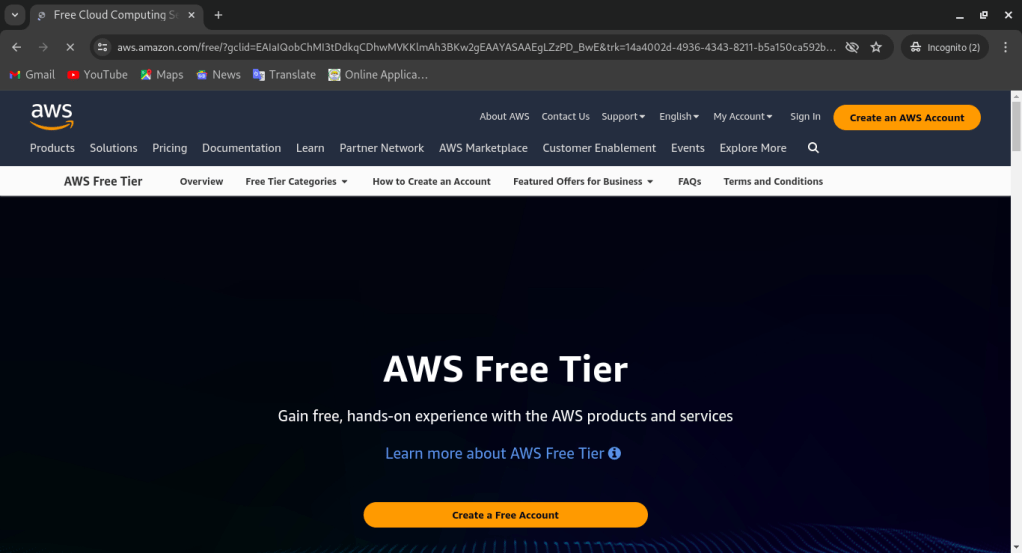
if you closely look on the site there is a button named as "Create a Free Account" in a yellow color format. Just click on that button it will navigate you a page where you will create your aws account. The page will look like this:
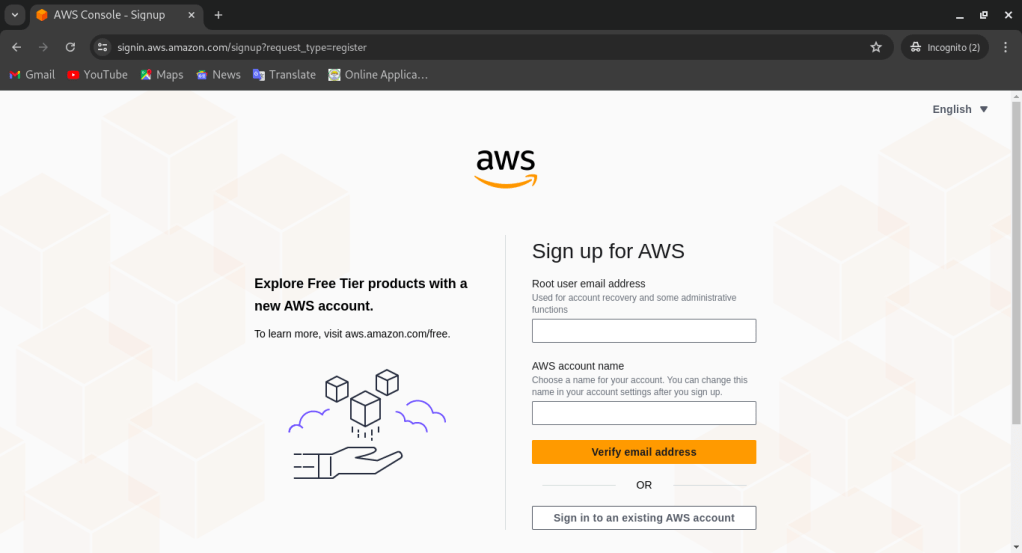
 Enter your email id and aws account name. Then you have to click on verify email address. For example: yourmailid@gmail.com in Root user email address and username99 in AWS account name. Then it will ask you some random questions regarding to your account details and all.

You can Watch video in youtube that will help you to proceed it clearly.
 awsdata.tech.blog